A native Swift app
An app written in Swift and SwiftUI that follows Mac conventions and stays light and fast.
Xavier Kain is all about attention to detail. This site hides 7 secrets.
Native Mac apps in Swift, from a discreet menu bar tool to a full application, signed and ready to install on your machines or distribute to your clients.
I develop native Mac apps in Swift and SwiftUI: menu bar tools, full applications, local file and media processing. My apps are signed and notarized by Apple, include automatic updates and can ship in French and English. QuiX, a free GoPro footage importer, and FCP CleanX, which frees the space taken up by Final Cut Pro libraries, are concrete examples. The quote is drawn up after a free initial scoping call, with a reply within 24 hours.
An app written in Swift and SwiftUI that follows Mac conventions and stays light and fast.
Always one click or keyboard shortcut away, with no window cluttering the screen.
Your users get new versions right inside the app, without reinstalling anything.
The app is signed and notarized so macOS opens it without warnings, on your machines and your clients’ alike.
Processing happens on the Mac, without sending your files to a server.
An interface available in both languages, for an international team or client base.
A Mac app is not a website in a window. It integrates with the system, works on your files locally and is always a keyboard shortcut away.
Many work tools are better off living in the menu bar: always available, never in the way. QuiX works like this: the import starts on its own when the GoPro is plugged in, and one click on its icon shows where it is and what it found, without leaving the app you are in.
A native app can process files and media directly on the machine. QuiX reads the markers written in GoPro videos without copying them, then verifies every copy with a checksum. FCP CleanX scans every drive on the Mac to find Final Cut Pro libraries. It is a real advantage when files are confidential or large.
For macOS to open it without warnings, an app distributed outside the Mac App Store must be signed and notarized by Apple. I handle that, along with built-in automatic updates. FCP CleanX, for example, is downloaded and bought directly from its website, with a free 7-day trial, without going through the App Store.
If your users are also on Windows or mobile, a web app or PWA may be a better fit. If the tool needs to take advantage of the Mac (local files, shortcuts, menu bar), native is the way to go. We decide together during scoping, before the quote.
Further reading: FCP CleanX project · iOS and Android mobile app · PWA in 2026: the guide

While filming, a short press on the side button of a GoPro marks a moment in the video. QuiX makes use of those markers: on import, it keeps the marked takes apart, so you do not have to watch a whole session again.
A free native macOS app in Swift, SwiftUI and AppKit. The import starts on its own when the camera is plugged in over USB-C or its card goes into a reader; each session lands in a dated folder, with Highlights and Clips. The menu bar shows the import progress, and a notification signals when it is done.
Plugged in over USB-C, a GoPro shows up as a network device, not as a disk. The app talks to it, reads only about 34 KB per clip to know where it belongs, verifies every copy with a checksum and never modifies the card.
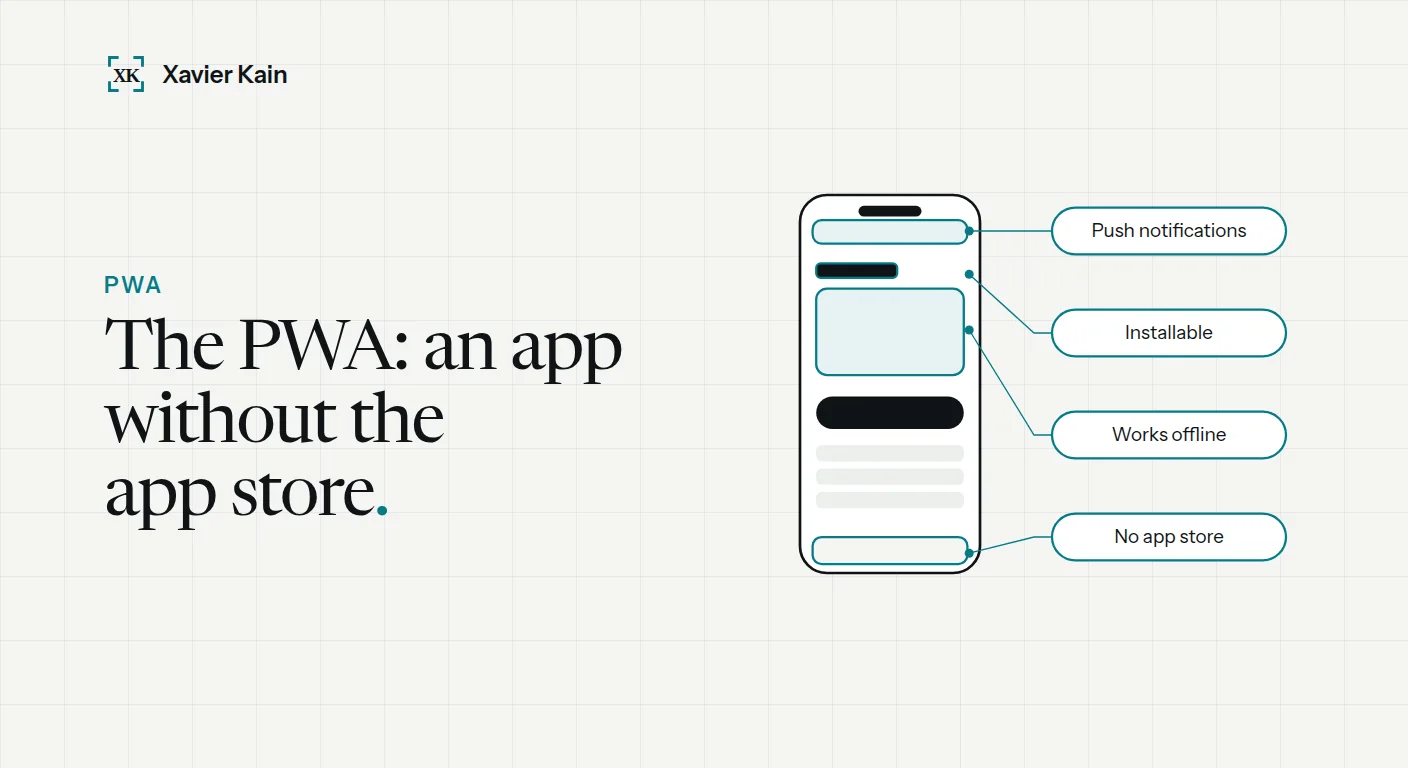 PWA in 2026: complete guide and real examples
What is a PWA in 2026? Definition, sourced examples (Twitter Lite, Pinterest, Starbucks), PWA vs native app vs responsive site, and real costs. Read the article →
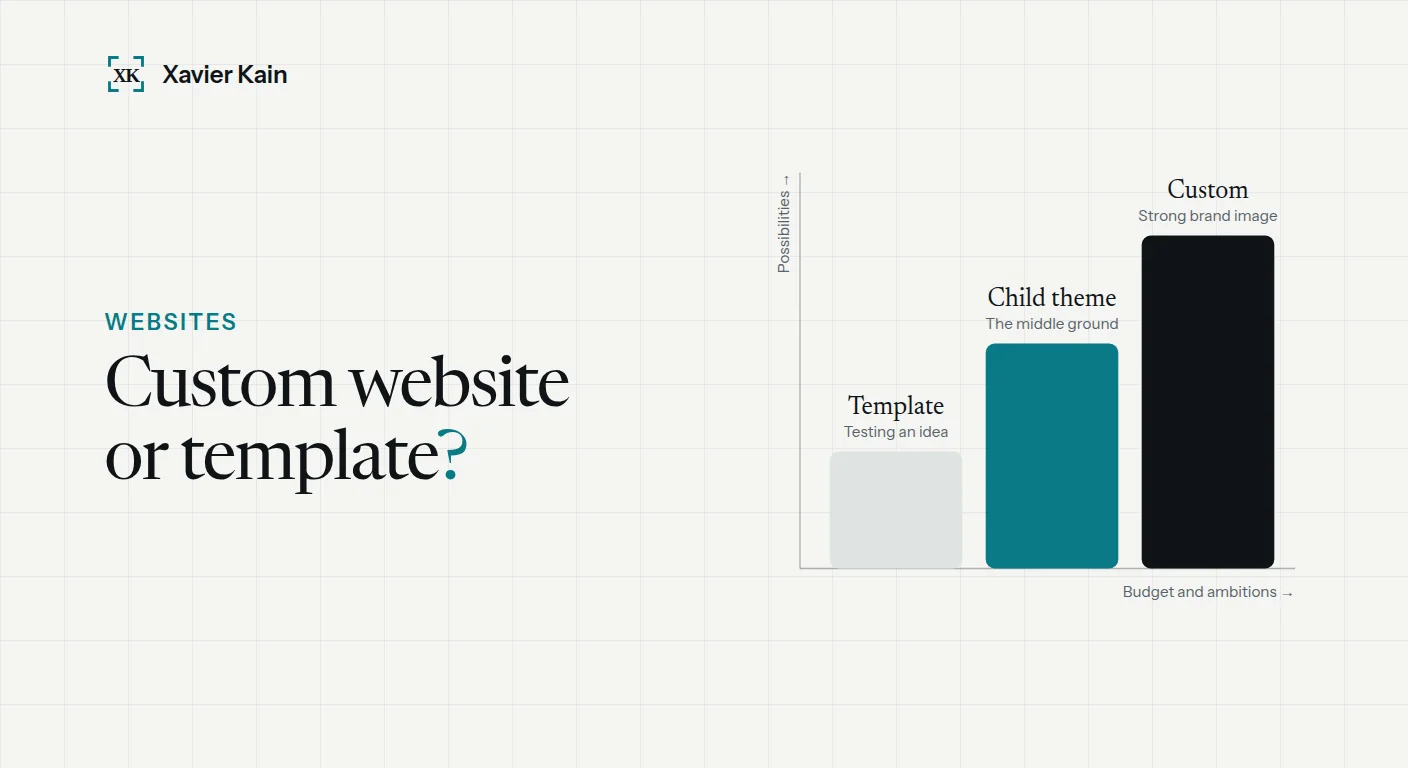 Custom website vs template: which one to choose?
Custom website or template: how to choose in 2026? Cost, timeline, performance, SEO comparison by a 200+ project expert. Read the article →
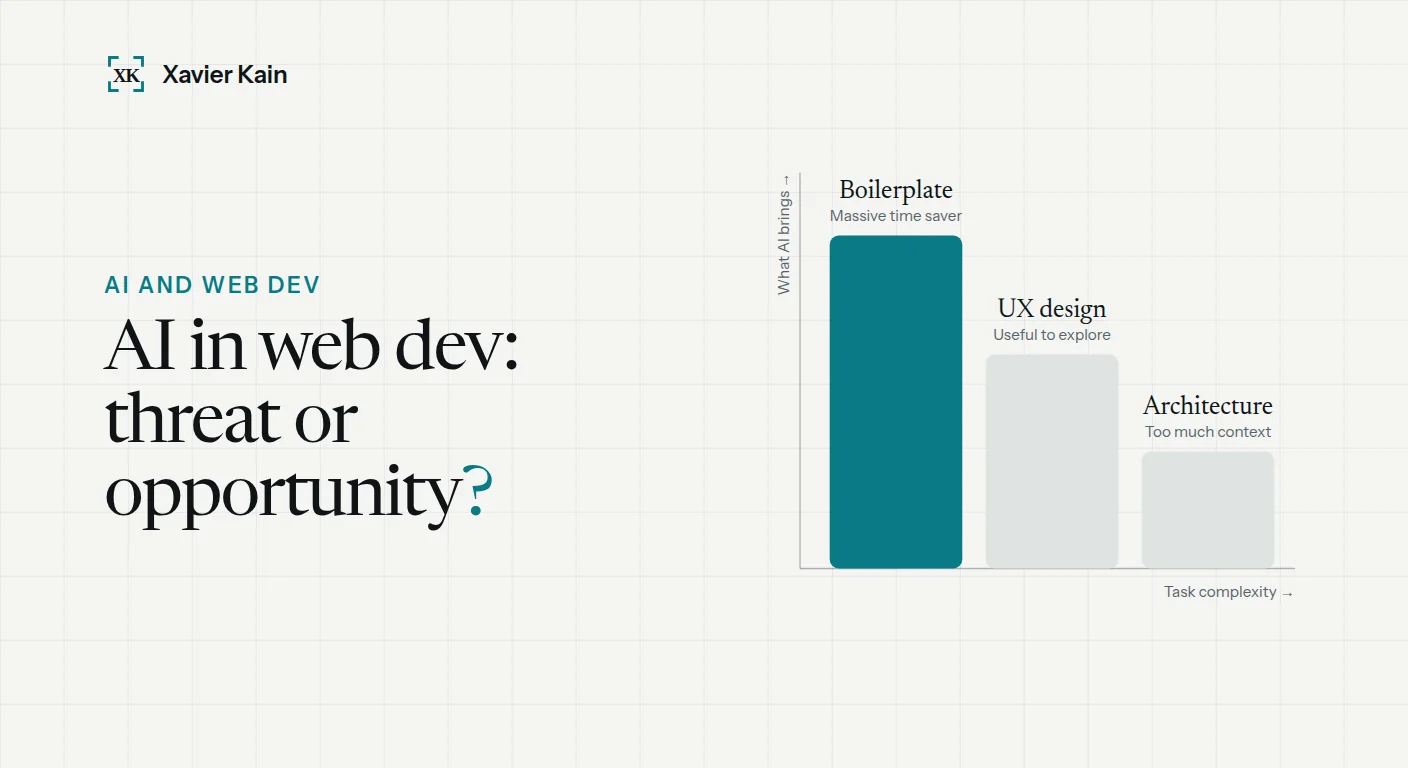 AI and web development in 2026: what changes
My concrete AI workflow in 2026 (Copilot, Claude, Cursor), what saves time, what you should never delegate to AI, and how to choose a provider who truly uses… Read the article →
Describe the tool you have in mind: I reply within 24 hours to set up a free, no-commitment scoping call.
