API integrations and webhooks
Your software talks directly: an event in one tool (order, form, payment) triggers the action in another.
Xavier Kain is all about attention to detail. This site hides 7 secrets.
I turn your repetitive tasks into workflows that run on their own: Python and Node.js scripts, API integrations and webhooks. Fewer errors, less time wasted, more results.
I automate companies’ repetitive tasks with Python and Node.js scripts, API integrations and webhooks: connectors between CRM, ERP and billing tools, custom internal tools, data collection and processing. Each automation starts from a real process, described with you, and is tested on your data before going live. The quote is drawn up after a free initial scoping call, with a reply within 24 hours.
Your software talks directly: an event in one tool (order, form, payment) triggers the action in another.
Python or Node.js scripts that chain the steps of a process and run on their own, on a schedule or on demand.
Contacts, orders and invoices move from one tool to the next with no re-entry and no copy-pasting.
A simple screen for the team when an interface is missing between your data and day-to-day work.
Collecting data from websites or APIs, cleaning, sorting and exporting it in the format you need.
A poorly designed automation just moves the problem: it fails silently and nobody knows how to fix it anymore. Here is how I build them.
Before writing a script, we describe the task as it is done today: who enters what, in which tool, at what point. That shows what can be automated right away and what first needs a clear rule. The article ESG dashboard shows this approach on a report that comes back every quarter.
CRM, ERP, billing, online store, forms: most software exposes an API or sends webhooks. A connector moves data from one to the other, without re-entry. When a tool has no API, collection can go through web scraping, in line with its terms of use.
An automation is only useful if its output is right. The rules applied stay explicit, like the FCP CleanX allowlist that only empties the cache folders Final Cut Pro is known to use, and every run produces a usable result: an export, a dashboard or an update in the target tool. Maintenance (monitoring, fixes) keeps a failure from going unnoticed.
Sometimes connecting two pieces of software is not enough: an interface is missing. An internal tool, as a web app or a Mac app, gives the team simple access to its data. QuiX is an example: a Mac app that replaces sorting GoPro footage by hand with an import that sets the marked takes apart on its own, and that you follow from the menu bar.
Further reading: WordPress maintenance & takeover · Website requirements generator · QuiX project

Final Cut Pro keeps files it knows how to recreate inside every library: render files, proxies, optimized media, analysis files, waveforms, thumbnails. To delete them from Final Cut Pro, you have to open it and go through each library one by one, without seeing the size of each category.
A macOS app in Swift and SwiftUI that finds every library on every drive on its own through Spotlight, shows the recoverable space by category, then cleans all the selected libraries in one click, with a progress bar and files moved to the Trash by default.
A tedious, recurring task handed to a tool that applies strict rules: original media is never scanned, only known cache folders can be emptied, and cleaning is blocked while Final Cut Pro is open. Automating also means setting what the tool is not allowed to do.
Projects where the software takes over what used to be done by hand.
 MACOS APPQuiXGoPro footage import that starts on its own when the camera is plugged in and keeps the takes marked while filming apart, with nothing to click.
 PLATFORMRidemasterKitesurfing, parakite and wingfoil camp platform: each new camp appears automatically in search and on the coach and spot pages.
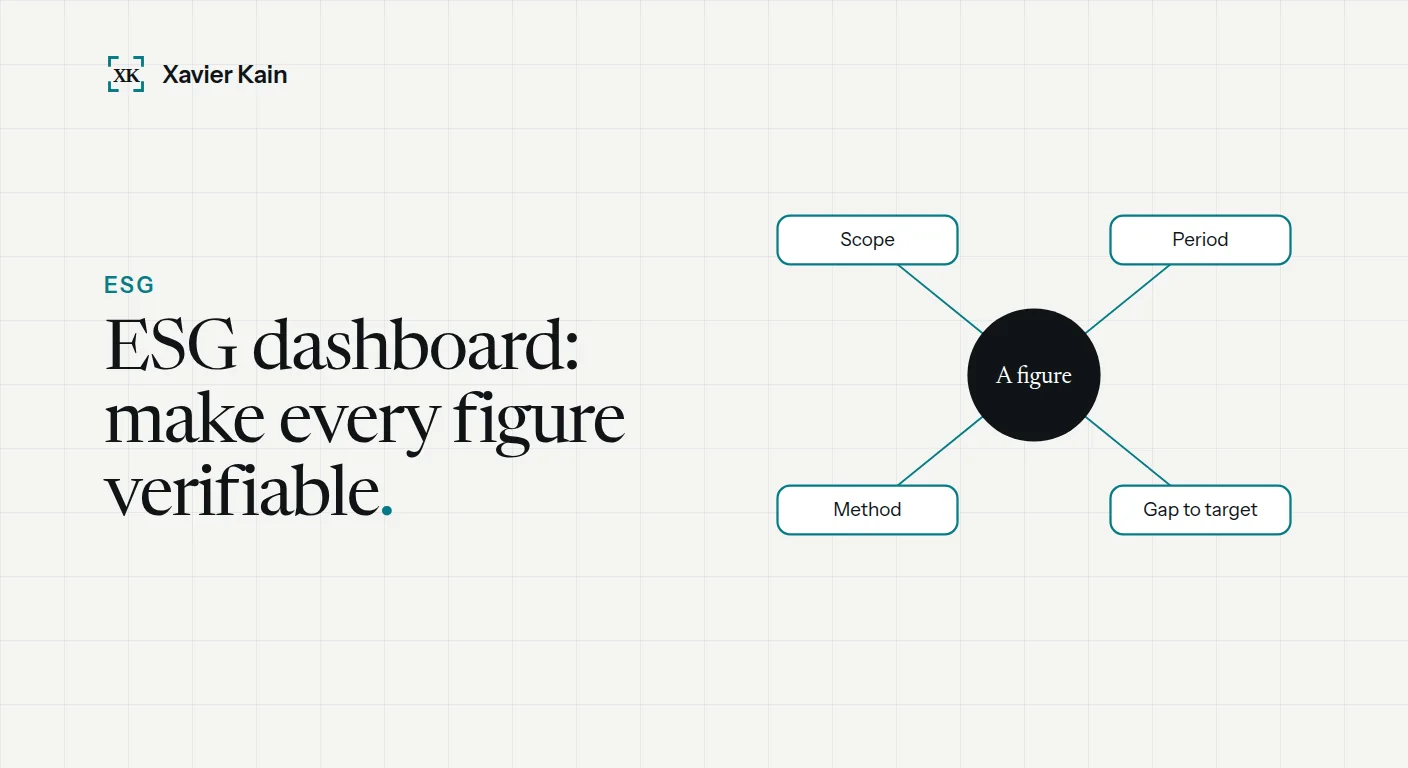 ESG dashboard: making your reporting verifiable
Your customers audit your ESG position before the law does. How to publish dated, sourced indicators instead of a communications page. Read the article →
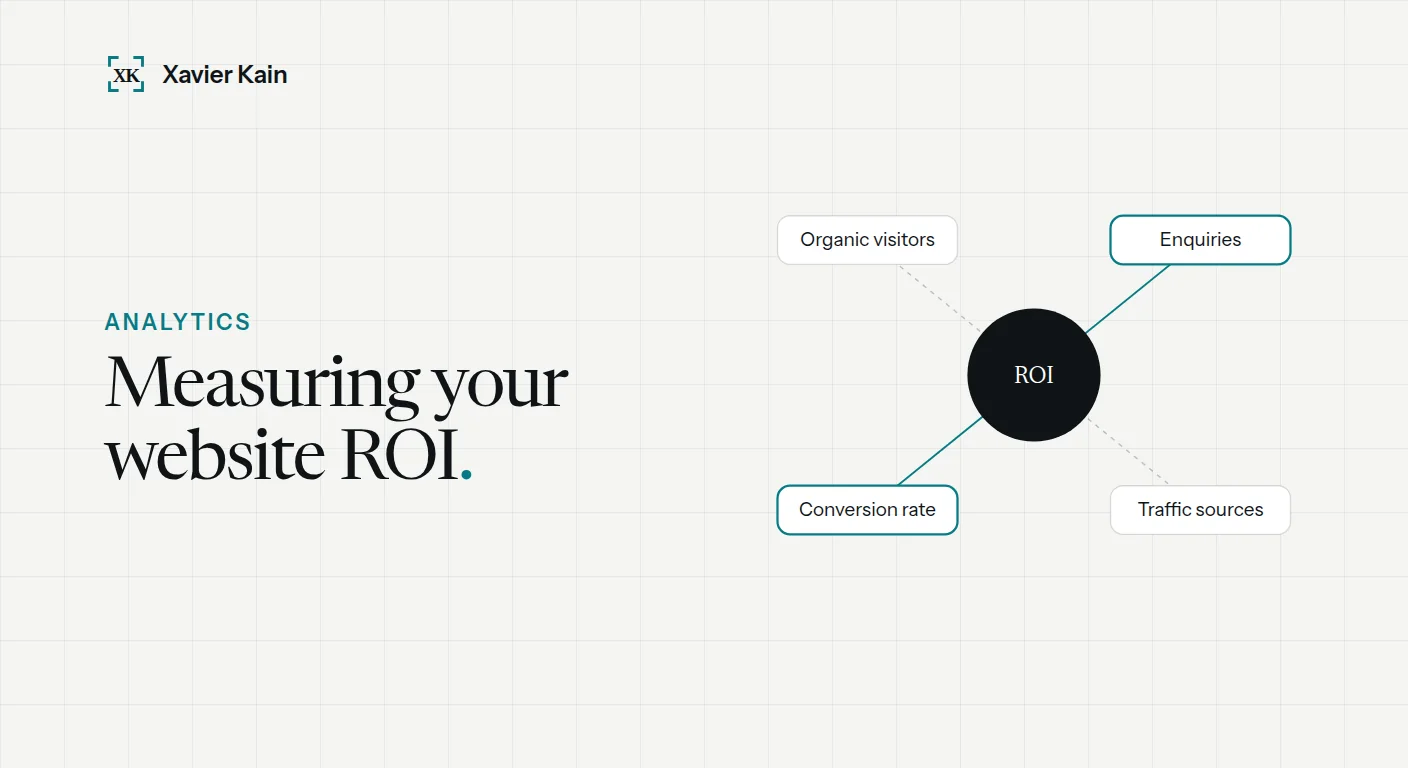 Measuring your website ROI: a practical 2026 guide
Is your website really making you money? 4 simple metrics to track, free tools to measure them, and how to concretely calculate the return on investment of… Read the article →
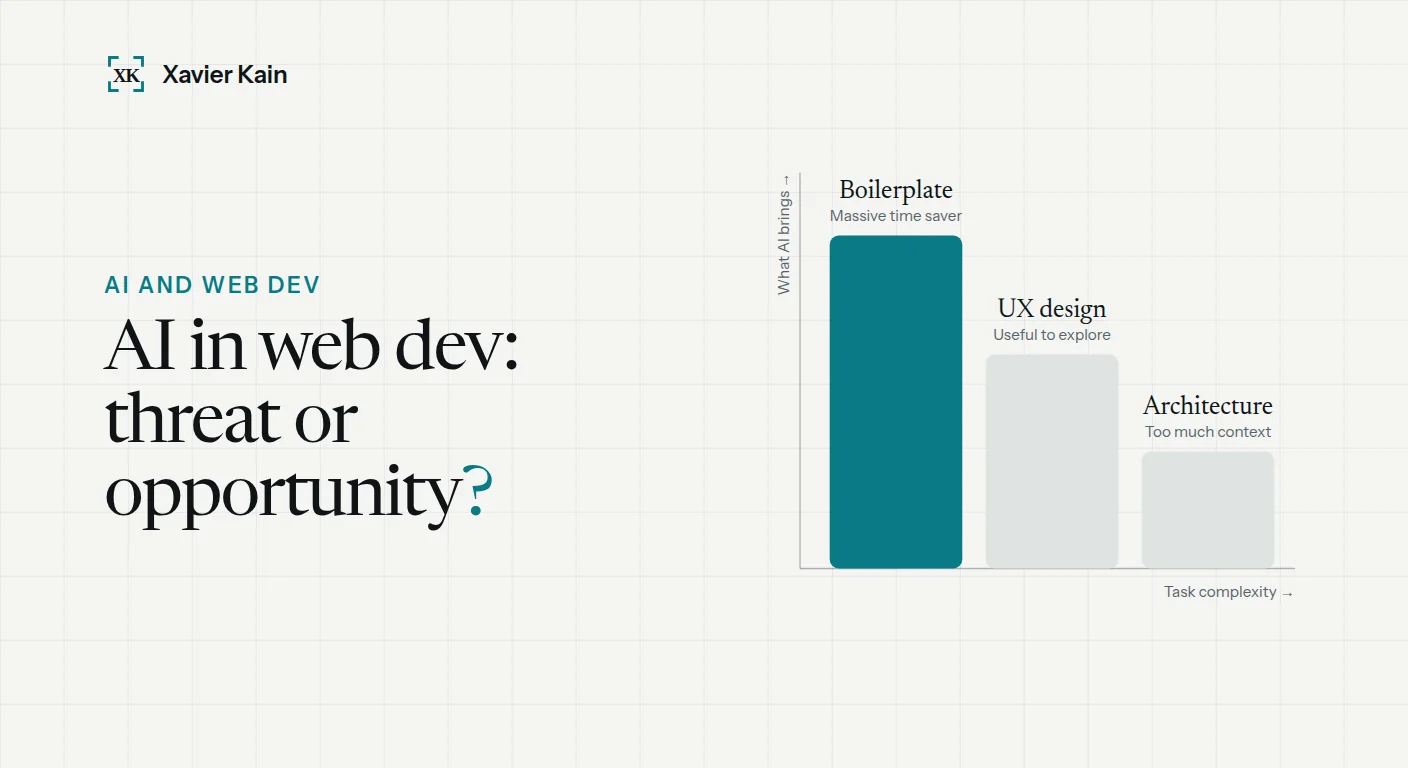 AI and web development in 2026: what changes
My concrete AI workflow in 2026 (Copilot, Claude, Cursor), what saves time, what you should never delegate to AI, and how to choose a provider who truly uses… Read the article →
Describe it in a few lines: I reply within 24 hours to discuss it and suggest a first approach.