React and TypeScript applications
A responsive interface and typed code, more robust with complex data, for applications built to last.
Xavier Kain is all about attention to detail. This site hides 7 secrets.
Custom web applications in React and TypeScript, and Progressive Web Apps installable on iPhone and Android: business tools, dashboards and complex applications, designed and built from scratch.
I develop custom web applications in React and TypeScript, as well as Progressive Web Apps (PWA) that install on mobile, with offline mode and synchronization. I build business tools, dashboards and applications connected to third-party APIs, from mockup to deployment. My projects include RBT Exam Prep, a study PWA, and web platforms such as Ridemaster (kitesurfing camp booking). A PWA starts at €2,000, a web platform or application at €5,000 depending on features, and the free quote arrives within 24 hours.
A responsive interface and typed code, more robust with complex data, for applications built to last.
An app that installs on iPhone and Android from the browser, without going through the stores, and opens like a native app.
Data stays available and editable without a network, then syncs when the connection comes back.
Dashboards, activity tracking, search and filters: screens designed for your team’s daily work.
Connections to your existing services or to external sources, like the Geidea payment gateway, with Apple Pay, connected to the FrenchRDV ticketing site.
Automated tests and continuous deployment to ship updates without breaking what already works.
Before writing a line of code, you need to pick the right form for your tool. Here are the questions I ask during scoping.
A Progressive Web App installs from the browser, works offline and updates without going through the App Store or Google Play. It is the right choice for a data entry, tracking or study tool used in the field: RBT Exam Prep is built this way: installed on the phone, it lets candidates study even without a connection. The details are in the article PWA in 2026.
If the app has to make full use of the phone (Apple Watch, widgets, notifications, GPS) or be listed in the stores, a native or React Native app is a better fit. That is what the iOS and Android mobile app page covers.
An internal tool for a team and a SaaS sold to customers do not have the same needs: user accounts, roles, subscriptions, dashboard, integrations. Scoping sets what goes into the first version and what can wait, and that is what drives the budget (from €5,000 for a web application or SaaS).
We talk over video calls, with a shared tracking board and a test version at every stage: you use the app while it is being built. Automated tests and continuous deployment then make it possible to ship improvements while keeping regressions to a minimum.
Further reading: SaaS startup: 5 costly website mistakes · How much does a website cost · Website requirements generator

The BACB RBT (Registered Behavior Technician) certification is a professional qualification in applied behavior analysis (ABA). The exam is demanding, and many candidates study on public transport or in places without a reliable connection.
A complete study PWA: 154 interactive flashcards and more than 300 quiz questions covering the six domains of the BACB program, progress tracking by domain and a dedicated presentation page for candidates.
A mobile-first interface, since most studying happens on a phone, and an offline mode so candidates can study anywhere. The app installs on the phone like a native app, straight from the browser.
Web platforms with filtered search, user areas and online booking or applications.
 PLATFORMRidemasterKitesurfing, parakite and wingfoil camp platform: multi-criteria search filters, camp, coach and spot pages, online booking and payment.
 JOB BOARDDoctoStaffHealthcare-focused job board built with WordPress and Elementor: a job listing page paginated through URL parameters instead of a string of numbered pages.
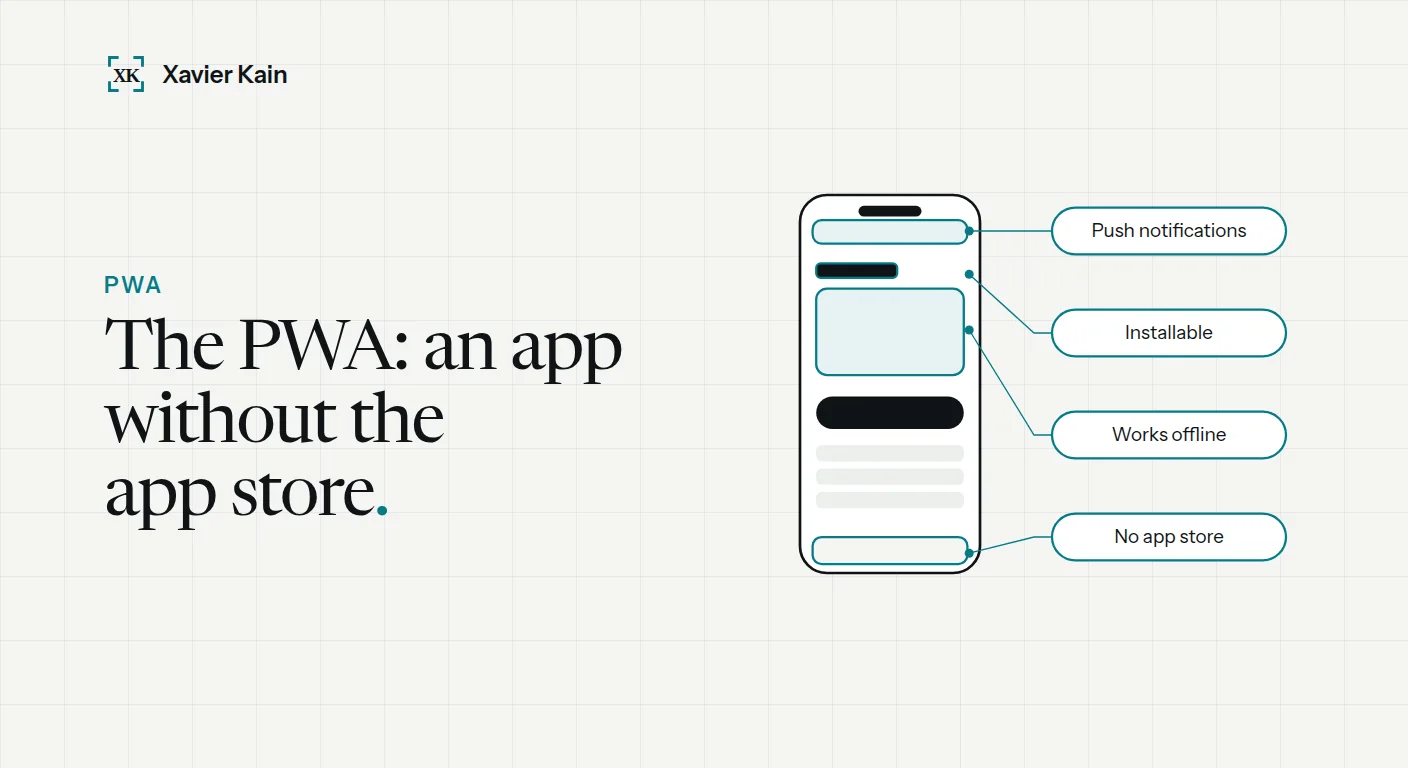 PWA in 2026: complete guide and real examples
What is a PWA in 2026? Definition, sourced examples (Twitter Lite, Pinterest, Starbucks), PWA vs native app vs responsive site, and real costs. Read the article →
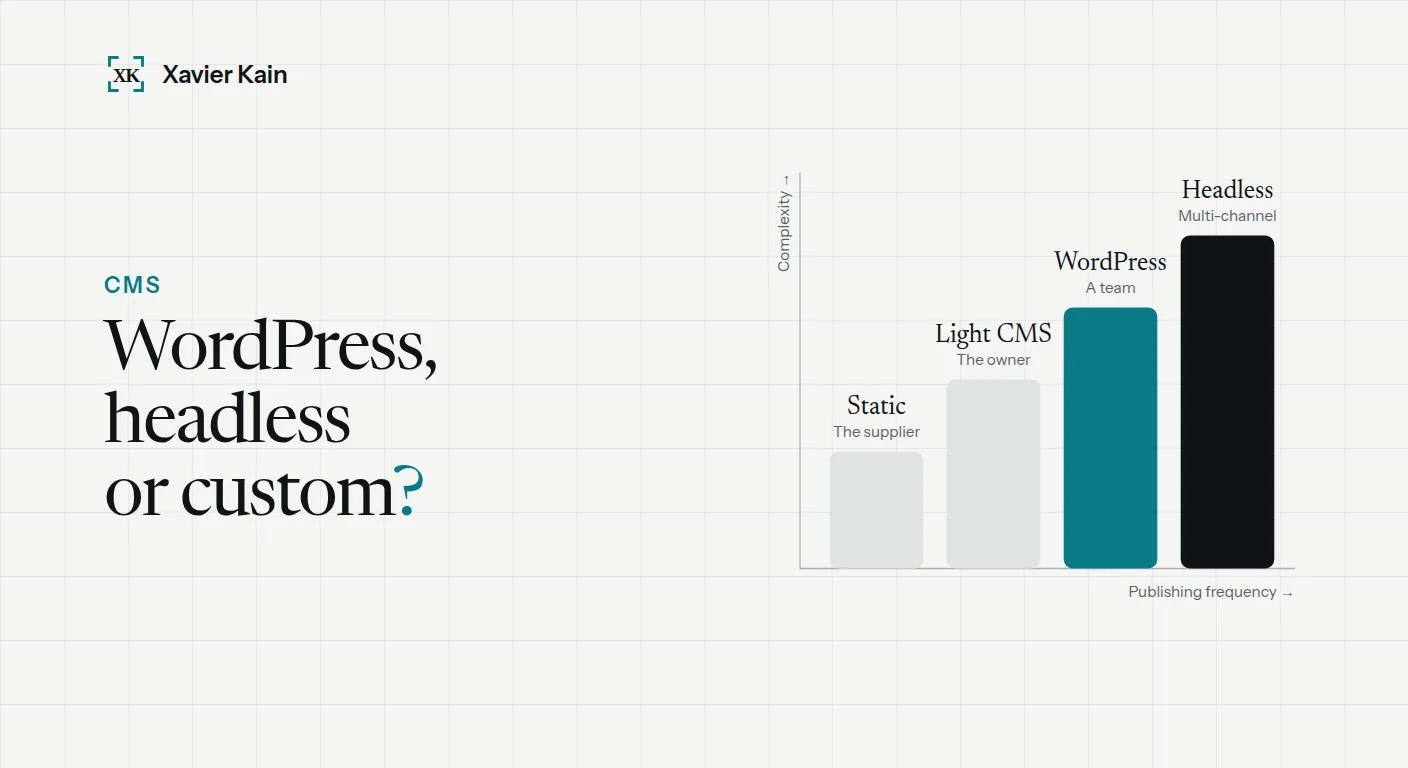 Choosing a CMS: WordPress, headless or custom
The right choice does not depend on technology but on who will write, how often, and for how long. Read the article →
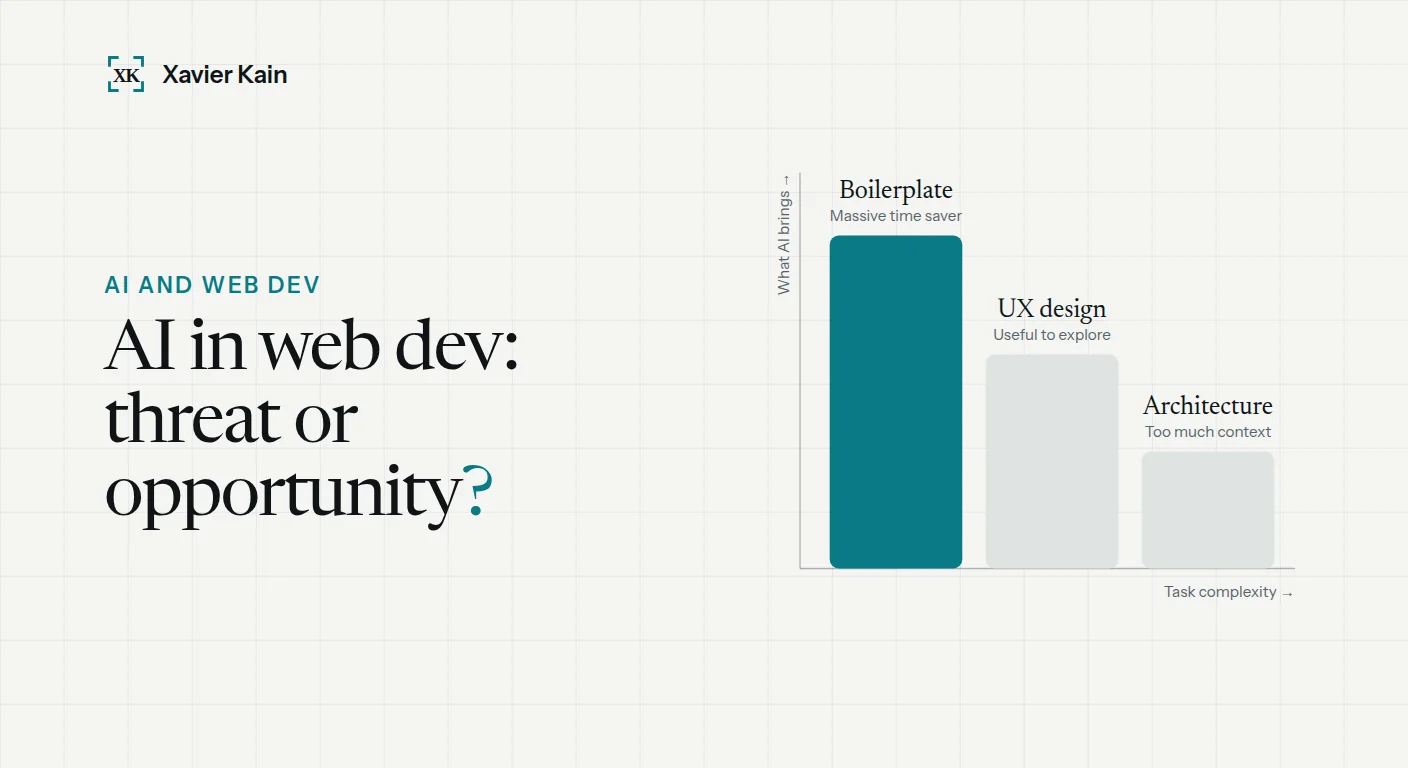 AI and web development in 2026: what changes
My concrete AI workflow in 2026 (Copilot, Claude, Cursor), what saves time, what you should never delegate to AI, and how to choose a provider who truly uses… Read the article →
Describe the tool you need: I reply within 24 hours with an initial analysis and a free quote.