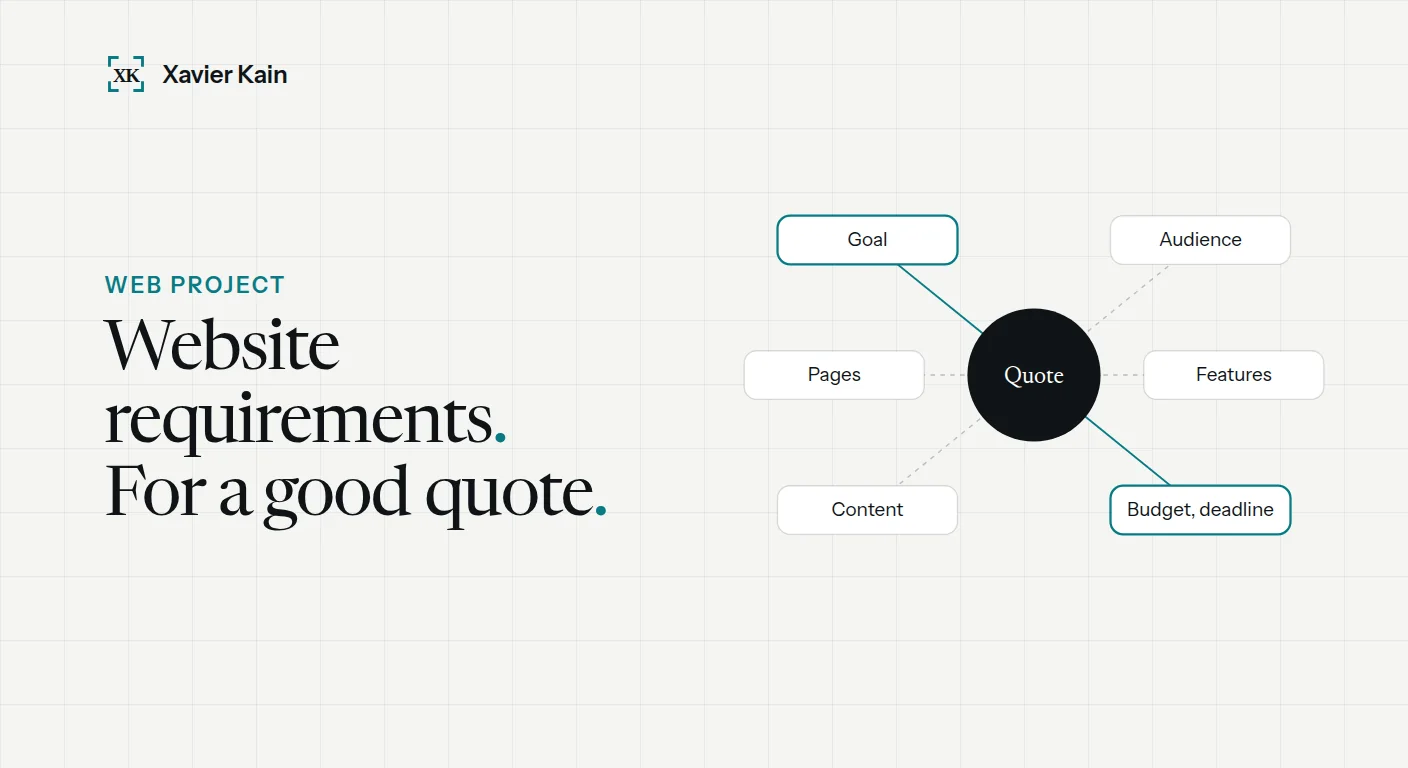
A good requirements document fits in two to five pages. It says why the website exists, who it is for, which pages and features it needs, who provides the content, which constraints apply, and with what budget and deadline. That is what makes quotes comparable.
It does not need to describe the technology: that is the provider's job. Here are the sections to fill in, in order, and what you can leave out.
The seven sections of a requirements document.
| Section | What it must say | Example |
|---|---|---|
| Goal | What the website must achieve | Receive quote requests |
| Audience | Who visits and what they look for | Individuals comparing before they call |
| Pages | The list of pages, even approximate | Home, 4 services, projects, contact |
| Features | What visitors can do | Form, appointment booking, payment |
| Content | Who writes the copy and supplies the photos | Copy supplied, photos to be arranged |
| Constraints | What is not negotiable | Three languages, existing booking tool |
| Budget and deadline | A range and a date | €4,000 to €6,000, live in March |
The free generator
To save time, answer 8 questions in the requirements document generator: the document covers these seven sections and appears straight away, ready to send.
Start with the goal, not the design.
"A modern website" is not a goal. "Receive qualified quote requests", "sell online", "recruit" or "reassure customers who already know us" are. The goal decides the pages, the calls to action and what will be measured.
Add two or three websites you like, and why: the navigation, the tone, the way prices are presented. That is more useful than describing the style you want.
Describe features by use.
Write what the person must be able to do, not the technology to use. "The customer picks a slot and gets an email confirmation" is clearer than "integrate a booking plugin".
- Must have: without it, the website does not meet its goal.
- Nice to have: useful, to be priced separately.
- Later: to be planned for so it stays possible, but not now.
This sorting changes the quote
Putting each feature in one of the three columns lets the provider price a realistic first version, then the additions separately.
Constraints not to forget.
- What already exists: domain name, hosting, an old website whose pages rank on Google, tools already in place (CRM, invoicing, booking).
- Languages: one version per language, or a partial translation.
- Accessibility: for some organisations, accessibility compliance is a legal requirement.
- Personal data: forms, cookies, analytics.
- Autonomy: what you want to edit yourself after launch.
If a website already exists, say so in the requirements: the redesign will have to preserve its search rankings, which takes specific work.
What you don't need to write.
- The choice of technology, unless there is a real constraint: let the provider propose and justify it.
- A detailed hand-drawn mock-up: a list of pages and reference websites are enough.
- Dozens of pages of specifications for a brochure website: the longer the document, the less it gets read.
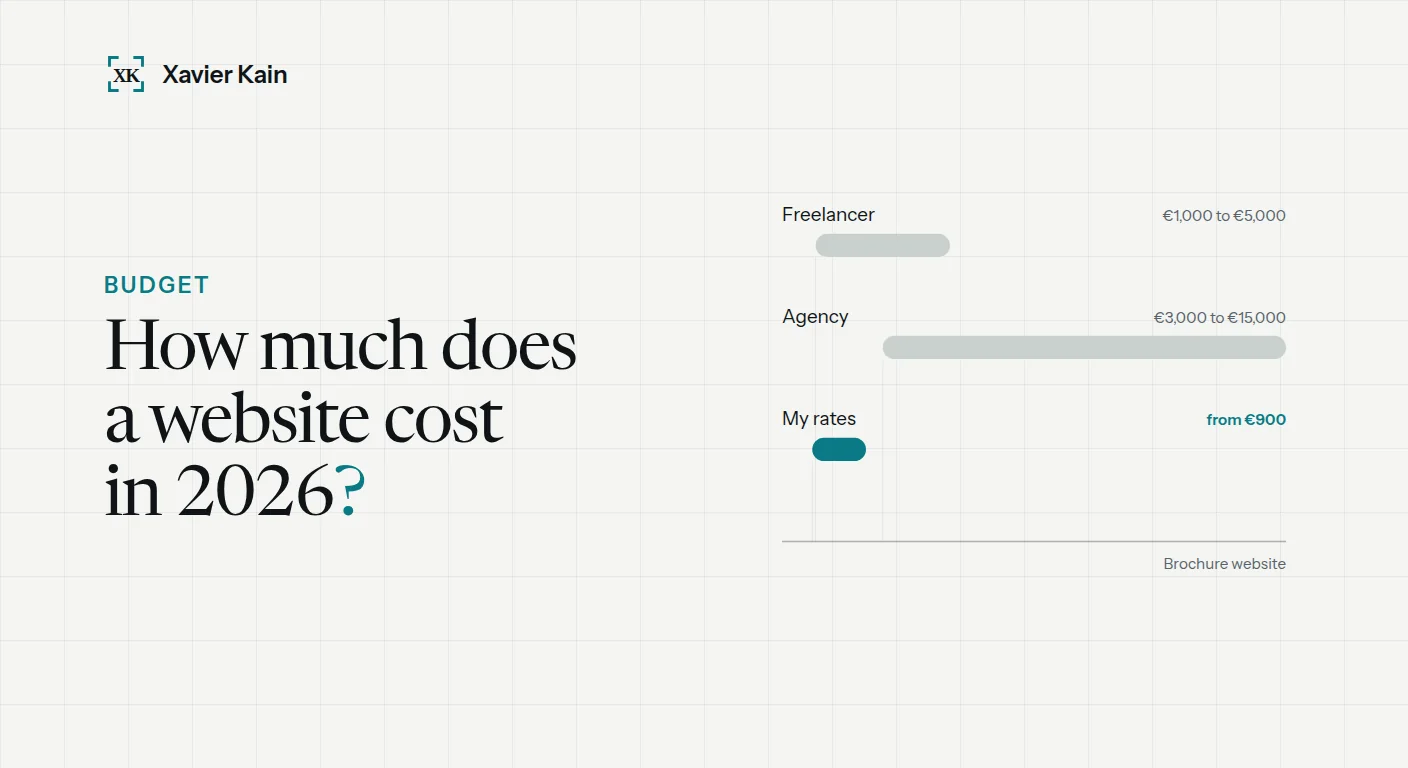
The budget, on the other hand, is useful. Hiding it does not lower prices: it forces every provider to guess, and the quotes become impossible to compare. For a price range, see how much a website costs, and for after launch, the maintenance guide.
FAQ: Requirements document.
How long should a website requirements document be?
Two to five pages are enough for a brochure website or a small online shop. A custom project with complex business rules may need more, but the essentials always fit in seven sections: goal, audience, pages, features, content, constraints, budget and deadline.
Should you state your budget in the requirements?
Yes. A range lets the provider propose the right solution for that amount instead of guessing. Without a budget, the quotes you receive head in different directions and can no longer be compared.
Who writes the requirements: the client or the provider?
The client describes the need; the provider completes it and turns it into a technical solution. A first conversation is often enough to turn a few lines into a clear document, and it is a good test of how well the provider listens.
Sources.
- Google Search Central: SEO Starter Guide: search basics to plan from the design stage
- W3C: Web Content Accessibility Guidelines (WCAG) overview: the accessibility standard websites are measured against
- web.dev: Web Vitals: performance criteria worth stating in the requirements