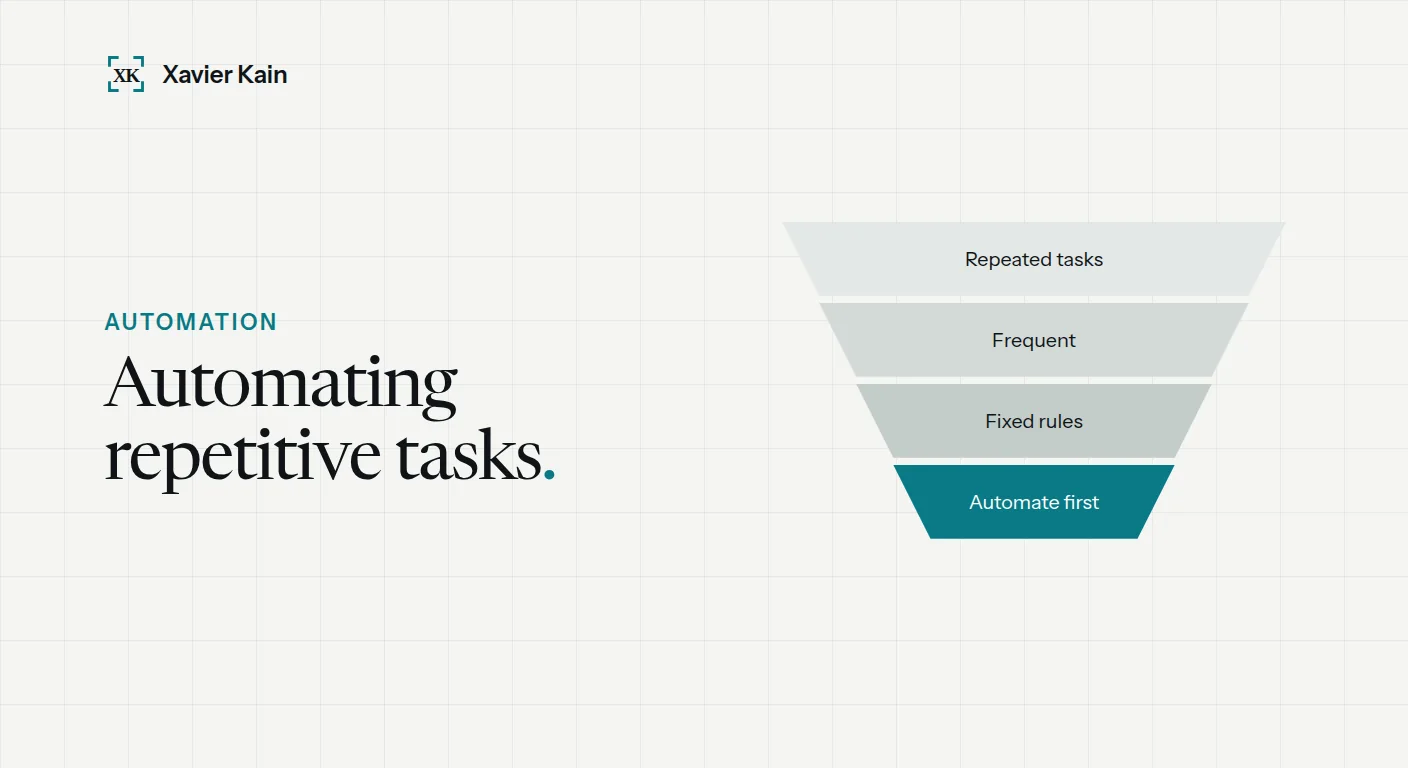
Start with the task that is most frequent, easiest to describe and least risky if it goes wrong: copying data from one tool to another, sending the same email, producing the same document. Automate it, measure the time saved, then move on to the next one.
The classic mistake is the opposite: trying to automate a whole process at once, poorly described, with exceptions everywhere. Here is the method for choosing, building and monitoring a first automation.
Choosing the first task to automate.
For one or two weeks, note the tasks you repeat identically. For each one, ask four questions.
| Criterion | Good candidate | Leave for later |
|---|---|---|
| Frequency | Several times a week | A few times a year |
| Rules | Always the same steps | A human decision every time |
| Data | Already in a tool (form, spreadsheet, CRM) | On paper or in free-form emails |
| Risk | An error is visible and fixable | An error affects a customer or a payment |
Typical examples: copying a contact request from the website to the CRM, creating an invoice from an order, sending a weekly summary, notifying the team when a form is submitted.
No-code tool or custom development?
| No-code tool (Zapier, Make, n8n) | Custom script or integration | |
|---|---|---|
| Setup | Fast, no programming | Longer, needs a developer |
| Cost | Subscription that grows with volume | Upfront cost, then hosting |
| Coverage | Well-known tools, simple cases | Tools without connectors, complex logic |
| Dependency | On the platform and its pricing | On the code, which must be maintained |
For a first automation between two common tools, a no-code tool is often enough. Custom work makes sense when a tool has no connector, when volume makes the subscription expensive, or when business rules go beyond what the tool can express. n8n has one particularity: it can be self-hosted, which keeps the data on your own server.
Personal data: check before connecting anything.
An automation often passes customer or employee data through a third-party service. That service then acts as a processor under the GDPR: you need a contract governing the processing, to know where the data is hosted, and to send only what is necessary.
Don't forget
Update your record of processing activities and, if needed, your privacy policy when an automation adds a new tool to the chain.
Plan for errors from day one.
An automation that fails silently is worse than a manual task: nobody notices that requests are no longer copied or that invoices are no longer sent. Three rules avoid this trap.
- An alert on failure, sent to a specific person by email or chat.
- A check before any risky action: make sure the data is complete before sending, invoicing or publishing.
- A written manual fallback for the days when the automation is down.
A real example
Publishing on this blog is automated: three mornings a week, the scheduled article goes live, is linked to related articles, added to the sitemap and submitted to Google. Before it goes live, a series of checks inspects the page; if one fails, publication is blocked and an alert is sent to a chat channel.
The method in five steps.
- Describe the task as it is done today, step by step, exceptions included.
- Measure how long it takes each week, so you know what automation will save.
- Build the simplest version and test it on real data, alongside the manual work.
- Add the failure alert before removing the manual step.
- Review after a month, then move on to the next task.
For AI on a website, see also when an AI chatbot is actually useful, and for data obligations, GDPR for a professional website.
FAQ: Small business automation.
What is the difference between Zapier, Make and n8n?
All three connect applications without programming. Zapier is the easiest to learn, Make allows more detailed scenarios, and n8n can be hosted on your own server. The right choice depends on the tools to connect, the volume and where you want to keep your data.
Is automation only for large companies?
No. No-code tools have made it accessible to small businesses, often without technical skills. A small team often has more to gain, because every hour recovered counts for more.
Should you automate with AI?
Only when the task requires reading or writing free text, such as sorting emails or summarising requests. For copying data or sending a document according to fixed rules, a classic automation is more reliable, and AI output still needs human review.
Sources.
- France Num: Automation for small businesses (in French): French government portal for business digitalisation
- EDPB: Guidelines 07/2020 on the concepts of controller and processor: obligations when a third-party service processes your data
- n8n: Self-hosting documentation: hosting the automation tool on your own server