You can maintain your WordPress site yourself if it is simple (a brochure site, few plugins, no online payments), if you have a backup stored off the server that you know how to restore, and if you take the time to test every update before applying it. Hand it over as soon as the site sells, takes bookings, contains custom code, or nobody is genuinely looking after it every month. With me, WordPress maintenance starts at €40 excl. VAT a month.
I have been a freelance WordPress developer since 2017, with more than 200 projects delivered, and I regularly take over sites whose maintenance was only half done. Here is what you need to know to make an informed choice, and the routine to follow if you decide to handle it yourself.
What does WordPress maintenance actually involve?
Maintenance is not just clicking "Update". It covers six tasks, each with a purpose:
- Updates to WordPress, the theme and plugins, which fix known, publicly listed vulnerabilities.
- Backups of files and database, stored somewhere other than the site's server, and tested.
- Monitoring of uptime and of security alerts on installed plugins.
- Access security: admin accounts, passwords, two-factor authentication, unused plugins to remove.
- The PHP version, the language WordPress runs on, which must stay on a version that still receives fixes.
- Fixes: a contact form that stops sending, a broken mobile layout, a site that slows down.
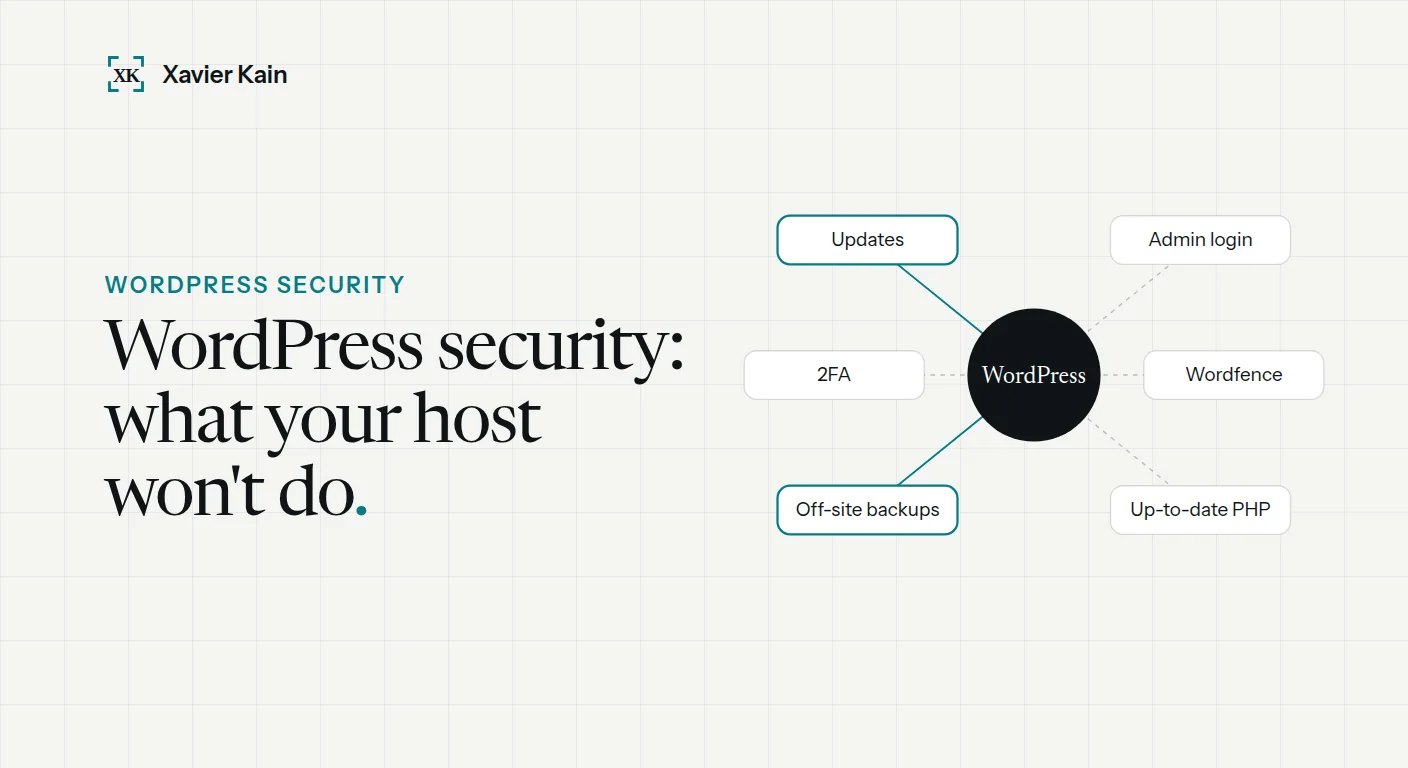
My complete website maintenance guide covers each of these in detail, and the article on WordPress security lists the measures your host does not take for you.
When can you maintain WordPress yourself?
Doing it yourself is a reasonable choice if you can tick every one of these boxes:
- your site is a brochure site, with no online payments or bookings;
- it uses few plugins, all well known and still supported by their authors;
- it has no custom code that only its developer understands;
- you have an automatic off-server backup, and you have already restored it successfully at least once;
- you set aside a regular slot to deal with it, and you stick to it;
- a few hours of downtime would not cost you customers.
If one of these is missing, it is not necessarily a deal-breaker, but that is usually where trouble starts. The most overlooked point is restoring: a backup you have never restored is a backup you know nothing about.
When is it better to outsource maintenance?
Handing it over becomes the better option in these situations:
- Your site sells or takes bookings. On a WooCommerce shop or a booking site, a failed update does not just break a layout: it stops people paying.
- The site includes custom work. A bespoke plugin or a modified theme can react badly to an update, and you need to be able to read the error to fix it.
- Someone else built the site and you do not know exactly what is installed, or why.
- Nobody really has the time. Maintenance needs regularity. It is the first task dropped when business picks up, which is exactly when updates pile up.
- Your business depends on Google. A hacked or slow site loses its rankings, and winning them back takes far longer than keeping them.
How do you maintain a WordPress site yourself, step by step?
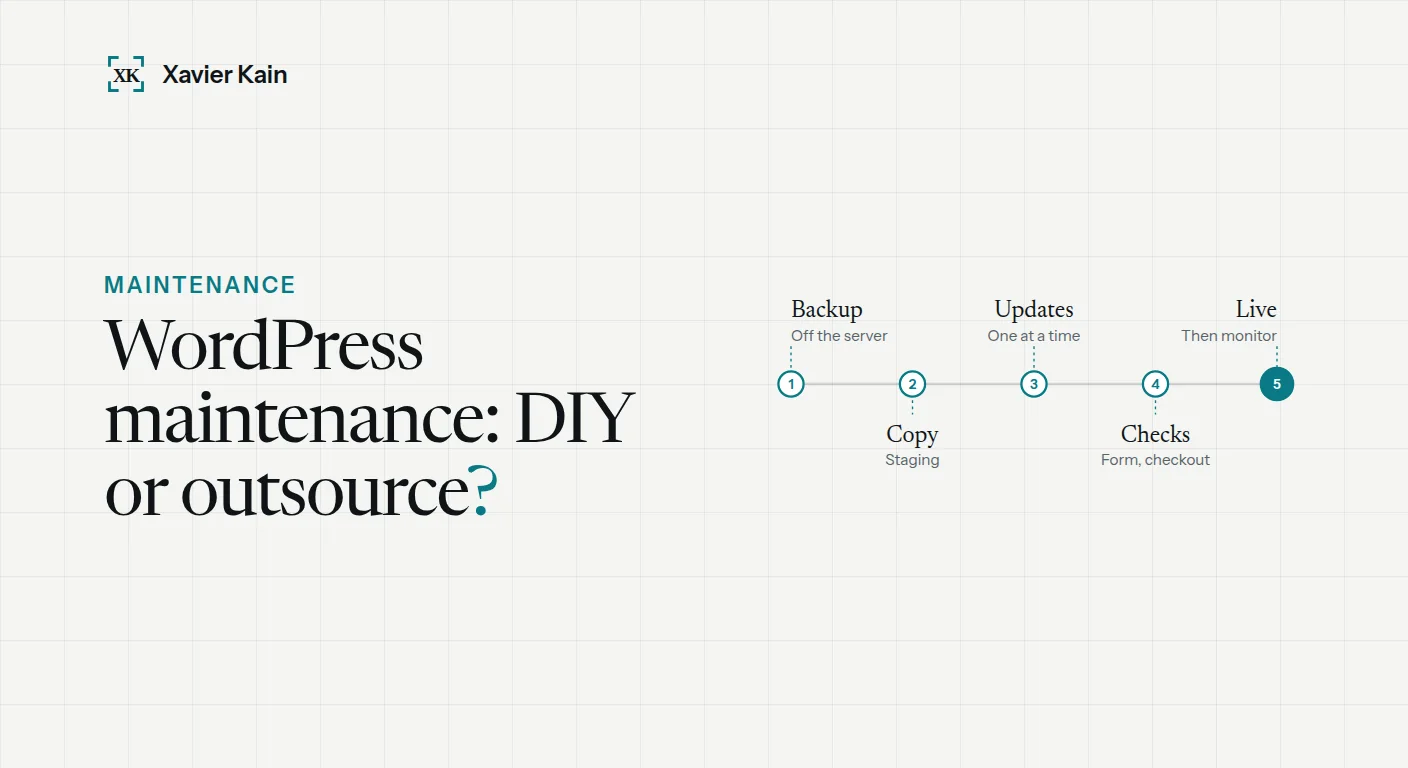
If you take it on, here is the routine I follow on the sites I maintain, cut down to the essentials:
- Back up. Run a full backup, files and database, and check it has actually been sent off the server.
- Work on a copy. Many hosts offer a staging copy of your site. Apply updates there first, never directly on the live site.
- Update one thing at a time. WordPress, then the theme, then plugins one by one. If something breaks, you know straight away which one caused it.
- Check what earns you money. Send yourself a message through the contact form, place a test order or booking, and browse the main pages on a phone.
- Go live, then keep watch. Repeat the same updates on the live site and keep an eye on alerts over the following days.
On top of that routine come less frequent checks: removing deactivated plugins and themes, checking the PHP version in WordPress's Site Health tool, reviewing admin accounts, and testing a full restore. The security article recommends that test at least once a quarter.
Which DIY mistakes cost the most?
They are nearly always the same, and I find them on the sites people hand over to me:
- updating directly on the live site, with no fresh backup and no test copy;
- keeping backups on the same server as the site, where they disappear with it if it is hacked;
- leaving deactivated plugins in place "just in case", although they can still contain vulnerabilities;
- switching on automatic updates for everything on a shop, without ever checking the checkout afterwards;
- sharing a single admin account between several people, with no two-factor authentication;
- putting updates off week after week, until one outdated plugin blocks everything else.
What does DIY maintenance really cost?
It looks free, but it is not. You need to count your own time every month, the tools (a backup plugin with external storage, a staging copy if your host does not include one) and above all the time lost on the day something breaks. That is the day that costs: a site offline, a contact form silently failing for weeks without anyone noticing, or a clean-up after a hack.
By comparison, outsourced maintenance with me starts at €40 excl. VAT a month. The sum is fairly simple: if an hour of your time is worth more than that, or if an outage would lose you sales, outsourcing works out cheaper. If your site is a simple brochure site and you enjoy getting your hands dirty, doing it yourself is perfectly defensible. Your choice of host matters too: my web hosting comparison points out the hosts that make backups and staging copies easy.
What should outsourced maintenance include?
A maintenance contract is only worth something if you know what it covers. Before signing, ask these questions:
- Are updates tested on a copy of the site before being applied?
- Where are backups stored, and when was the last tested restore?
- What happens if the site goes down, and how quickly does someone step in?
- Do you receive a report of what has been done?
- Do the logins, hosting and domain name stay in your name?
My WordPress maintenance service includes updates tested on a copy of the site first, backups, uptime and security alert monitoring, and fixes when something stops working. For a site I did not build, I start with an audit: WordPress and PHP versions, plugins, theme, security. The logins stay in your name.
Several clients have trusted me with their site for years: Ksapa since its site was built in 2019, Med'Com since its shop was rebuilt, and FrenchRDV, whose ticketing I keep improving event after event.
Can you share maintenance with a provider?
Yes, and it is often the best arrangement. You keep what belongs to your business: publishing articles, editing pages, adding products or photos. The provider keeps what needs technical skill and regularity: updates, backups, monitoring, security and fixes. You stay independent day to day, without carrying the risk of an update that breaks the site.
If you are unsure, book a 15-minute discovery call: I will tell you whether your site can do without outsourced maintenance. Otherwise, give me your site's address in the form and I will reply within 24 hours.
FAQ: WordPress maintenance.
How much does WordPress maintenance cost?
With me, it starts at €40 excl. VAT a month, covering updates tested on a copy of the site, backups, monitoring and fixes. The price rises with the complexity of the site, for example for a shop.
Should I turn on automatic WordPress updates?
For WordPress minor and security releases, yes. For plugins, it is acceptable on a simple brochure site with trusted plugins. On a shop or a booking site, it is better to test each update on a copy before applying it.
Doesn't my host already take care of maintenance?
Only partly. A good host protects the server and keeps its own backups, but it does not update your plugins, check your admin accounts or test your contact form and checkout.
How often should a WordPress site be updated?
Check for updates every week and apply security fixes without delay. The rest can be grouped together, as long as updates are not left to pile up for months.
Can you take over maintenance of a site someone else built?
Yes, it happens often. I start with an audit (WordPress and PHP versions, plugins, theme, security), then run updates on a copy of the site first so the live version never breaks.
Sources.
- WordPress: Updating WordPress, the official procedure and precautions
- WordPress: Backups, what a full backup should cover
- WordPress: plugin and theme auto-updates, how to turn them on or off
- WordPress: Hardening WordPress, official security best practice
- PHP: supported versions, the versions still receiving fixes