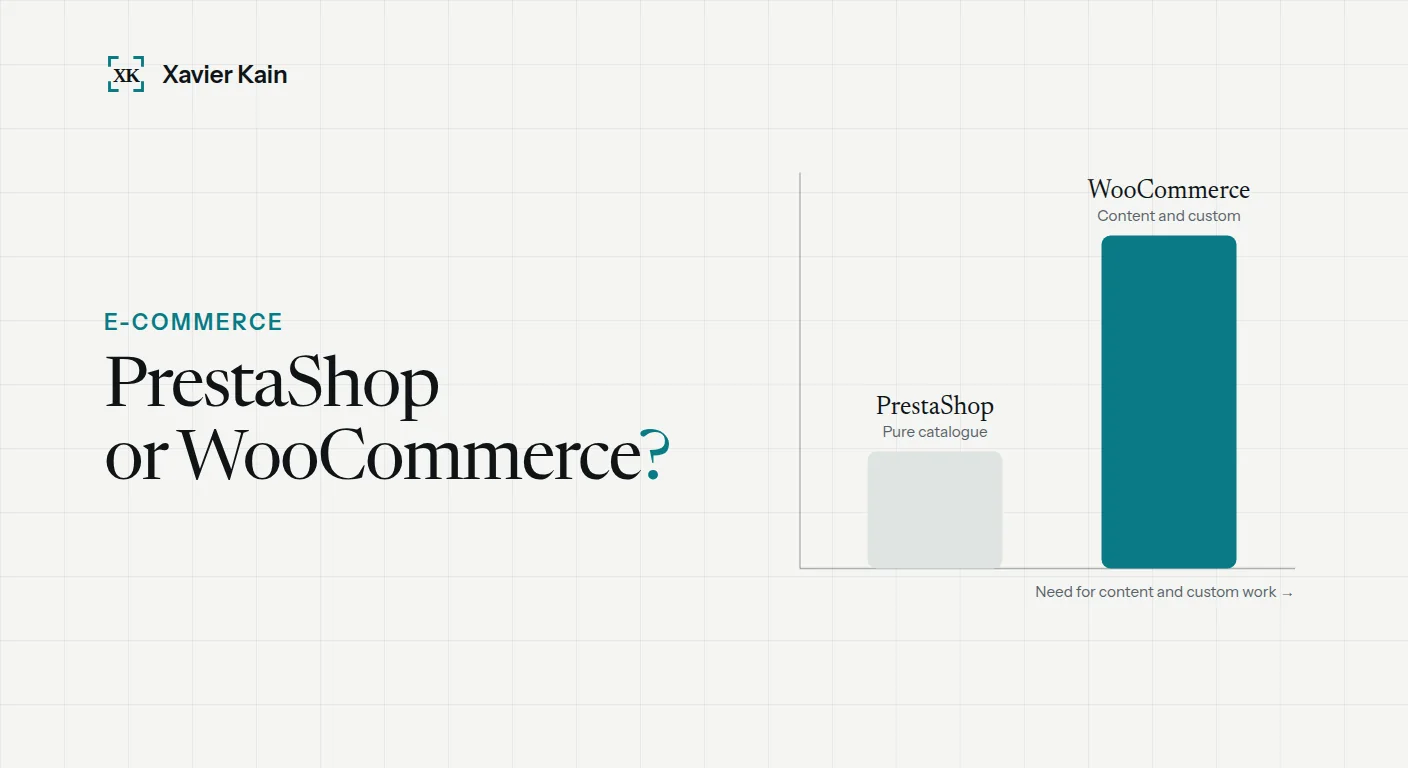
PrestaShop and WooCommerce are both free, open-source, self-hosted e-commerce solutions. What separates them is their starting point: PrestaShop is a standalone shop application, designed first and foremost to manage a catalogue and orders, whereas WooCommerce is a plugin that adds a shop to WordPress. Choose PrestaShop if your business is essentially a catalogue, with several shops or customer-group pricing to run from a single back office. Choose WooCommerce if your shop also relies on content, search visibility and custom features, or if your website already runs on WordPress.
One thing to be clear about before going further: I mostly build shops on WooCommerce. I have been a freelance web developer since 2017, with more than 200 projects delivered, and that is exactly why I will start with what PrestaShop does better. Keep that bias in mind as you read, and if your project suits PrestaShop better, I will tell you so.
What is the real difference between PrestaShop and WooCommerce?
It all comes down to architecture. PrestaShop, which was born in France, is a complete e-commerce application: you install it on a server and you get a shop with its own back office, catalogue, orders and customer records. You can publish content pages with it, but that is not what it is for.
WooCommerce comes from the opposite direction. WordPress is a publishing tool first; WooCommerce adds products, a basket, a checkout and order management on top. Your shop, your pages and your blog then share the same back office, the same user accounts and the same theme.
That difference explains almost everything else. PrestaShop is more complete out of the box when the only job is selling; WooCommerce is more flexible as soon as you need to combine selling, content and specific features.
| Criterion | PrestaShop | WooCommerce |
|---|---|---|
| What it is | Standalone shop application | WordPress plugin |
| Licence | Free, open source | Free, open source |
| Hosting | Your responsibility | Your responsibility |
| Selling features | Very complete out of the box | Complete, extended with plugins |
| Pages and blog | Secondary | WordPress's strong point |
| Several shops | Built-in multistore | Several installs or WordPress multisite |
| Customisation | Modules and overrides | Hooks, plugins, child theme |
When is PrestaShop the better choice?
It would be dishonest to present PrestaShop as a lesser WooCommerce. On several points it starts well ahead.
- A back office built for trading. Orders, returns, stock, carriers, customers: everything is there from the start, organised for someone who spends the day running a shop rather than publishing articles.
- Built-in multistore. Several shops (one per brand, per country or per type of customer) can be run from a single installation with a shared catalogue. On WooCommerce you need several installations or a WordPress multisite, which takes more work to set up.
- Combinations, customer groups and specific prices as standard. Sizes and colours with their own stock, different prices by customer group, basket rules and discount codes: the essentials are there without an extra module.
- A strong ecosystem in France. Many integrators, agencies and carrier or payment modules are French, which helps if your business is based there.
My article on B2B e-commerce and online quotes lists it among the platforms suited to selling to businesses, thanks to native features such as customer groups. If your project is a large catalogue sold across several shops with little need for content, PrestaShop deserves a serious look, with a provider who works with it every day.
When is WooCommerce the better choice?
WooCommerce takes the lead as soon as the shop is more than a catalogue.
- Content and search. WordPress is still an excellent tool for publishing guides, a blog and properly written category pages. For a shop that relies on Google to bring in customers, that is a real advantage (see my WordPress SEO guide).
- Custom features. WooCommerce exposes actions and filters, known as hooks, which let a developer plug in code without touching the core. That is what makes it possible to build shops that do not look like shops, while keeping updates safe.
- One tool for the website and the shop. One interface to learn, one admin account, one theme to maintain.
- A large pool of developers. Because WordPress is so widespread, you will find someone to take over or extend your shop more easily if your developer is no longer available.
A few shops I have built on WooCommerce show how far it can go:
- Rose Auctions, an online watch auction platform with multi-step registration and a card pre-authorisation for each bidder;
- FrenchRDV, the ticketing site for evenings at the French embassy in Riyadh, where a ticket is only sent once the payment is confirmed;
- La Bouquinerie du Liseron, a second-hand bookshop whose 3,000 or so books were imported from their ISBN codes, with stock managed one copy at a time;
- Med'Com, the shop of a medical publisher, split into two sections in a WordPress multisite, with automatic discounts depending on the customer's profile.
How much does a PrestaShop or WooCommerce shop cost?
Both pieces of software are free. What you pay for is everything else: hosting, the domain name, paid modules or extensions, development and maintenance.
On the module side, the logic is similar. PrestaShop relies on its own marketplace, PrestaShop Addons, where a large share of modules are paid. WooCommerce offers free and paid extensions, some of them on an annual subscription. Either way, the right reflex is the same: every module you add is one more line to pay for, update and test.
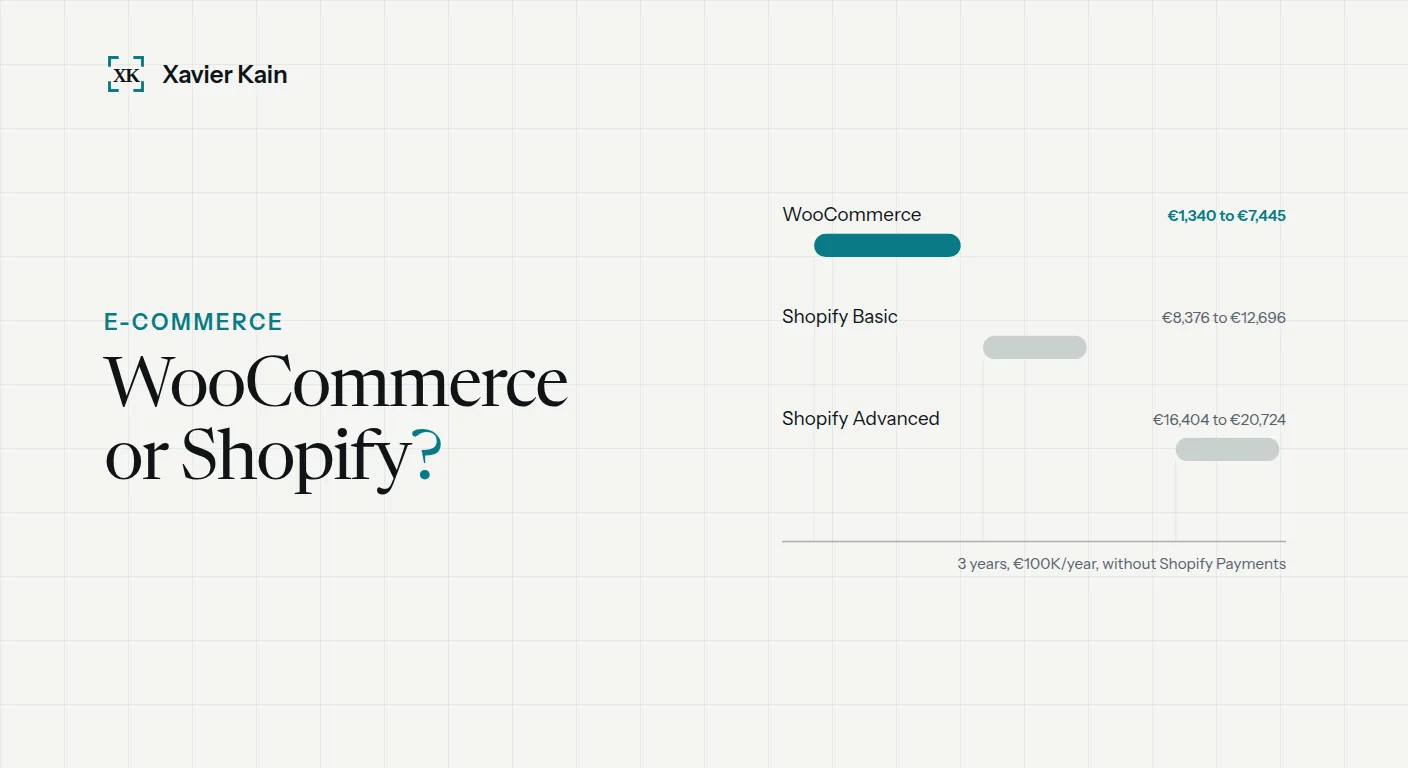
With me, a WooCommerce shop starts at €3,500 excl. VAT, delivered in around three weeks for a standard shop, and maintenance starts at €40 excl. VAT a month. Specific integrations (ERP, carriers, marketplaces) are quoted separately, on time spent, based on a day rate of €490 excl. VAT. I do not quote for PrestaShop shops: to compare, ask a specialist for a quote that breaks down the same items. My website pricing guide gives the general benchmarks, and WooCommerce vs Shopify sets a WooCommerce shop against a subscription platform.
Which is easier to maintain over time?
Neither looks after itself. WooCommerce depends on WordPress, its theme and every extension, each with its own update schedule. PrestaShop also releases maintenance versions, and moving from one major version to the next can mean checking, updating or replacing modules.
On a shop, a failed update does not just break a layout: it can stop people paying. So the rule is the same for both: update a copy of the shop first, place a test order, then apply the update live. What really makes the difference is less the software than the number of modules piled up and how cleanly the custom code was written. My website maintenance guide explains what a serious contract should cover, and my WordPress maintenance service covers WooCommerce shops too.
Can you move from PrestaShop to WooCommerce, or the other way round?
Yes. Products, customers and order history can be transferred with dedicated migration tools, then checked case by case where things get tricky: combinations, specific prices, customer accounts. The critical point is search visibility: every old product and category address must be redirected, with a 301 redirect, to its new address. Without that, the shop loses the rankings it has built up on Google.
A migration to WooCommerce costs the same as a shop with me, from €3,500 excl. VAT: it is a shop to rebuild, not a copy and paste. My WordPress migration page explains the method. Better, then, to take the time to choose well from the outset.
PrestaShop or WooCommerce: which to pick for your situation?
| Your situation | The most logical choice |
|---|---|
| You already have a WordPress site and want to sell | WooCommerce |
| Your shop relies on content and Google to attract customers | WooCommerce |
| You need an unusual feature: auctions, ticketing, deposit then balance | WooCommerce |
| Several shops to run from one back office | PrestaShop |
| A large catalogue, customer-group pricing, little content | PrestaShop, worth a serious look |
| Your team already knows one of the two | The one they know |
That last point is often underrated: a tool your team has mastered beats a theoretically better one they struggle with. And whatever you choose, the provider's skills matter more than the platform: my article on choosing a WooCommerce developer lists the questions to ask, and they apply to PrestaShop too.
Why I work with WooCommerce.
Most of my clients are independents, small businesses and associations for whom the shop is part of the website, not the whole of it. For them, having pages, blog and shop in the same tool, and being able to add a specific feature without changing platform, matters more than multistore. That is why I specialised in WooCommerce, and it is what I offer through my online shop development service.
If your project is better suited to PrestaShop, we will discuss it in our first conversation. To talk it through, book a 15-minute discovery call or describe your shop in the form.
FAQ: PrestaShop or WooCommerce.
Is PrestaShop free?
Yes, the PrestaShop software is free and open source, just like WooCommerce. You do pay for hosting, the domain name, paid modules, development and maintenance.
Which is better for SEO?
Both allow sound technical SEO: clean URLs, meta tags, structured data. WooCommerce has the edge as soon as the shop relies on content, because WordPress is a publishing tool first.
Can WooCommerce handle a large catalogue?
Yes, provided the catalogue is well modelled, the hosting keeps up and order storage in dedicated tables (HPOS) is switched on. The limit usually comes from the quality of the build rather than from WooCommerce itself.
Can I migrate from PrestaShop to WooCommerce without losing my rankings?
Yes, if every old product and category address is redirected to the new one with a 301 redirect, and titles and descriptions are carried over. With me, a migration to WooCommerce costs the same as a shop, from €3,500 excl. VAT.
Do you also build on PrestaShop?
I mostly build shops on WooCommerce, from €3,500 excl. VAT. If your project suits PrestaShop better, we discuss it in our first conversation to choose the best option.
Sources.
- PrestaShop: developer documentation, architecture, modules and upgrades
- PrestaShop Addons, the official marketplace for modules and themes
- WooCommerce: hooks and filters reference, what can be customised without touching the core
- WooCommerce: High-Performance Order Storage, orders in dedicated tables
- Google Search Central: moving a site with URL changes, the redirects to plan for in a migration